
Why Your USB-C Cable Keeps Failing You
Visual learning made easy - infographics and simple explanations
Ever wondered why some USB-C cables work perfectly while others barely charge your phone?
USB-C is just a connector shape, not a guarantee of performance or compatibility. Different USB-C cables and ports have wildly different capabilities hidden beneath the same exterior.
USB-C Is Just the Shape
Think of USB-C like a doorway - all doors might look similar, but what's behind them can be completely different. The USB-C connector is just the physical shape that plugs in. It doesn't tell you anything about speed, power, or what features it supports.

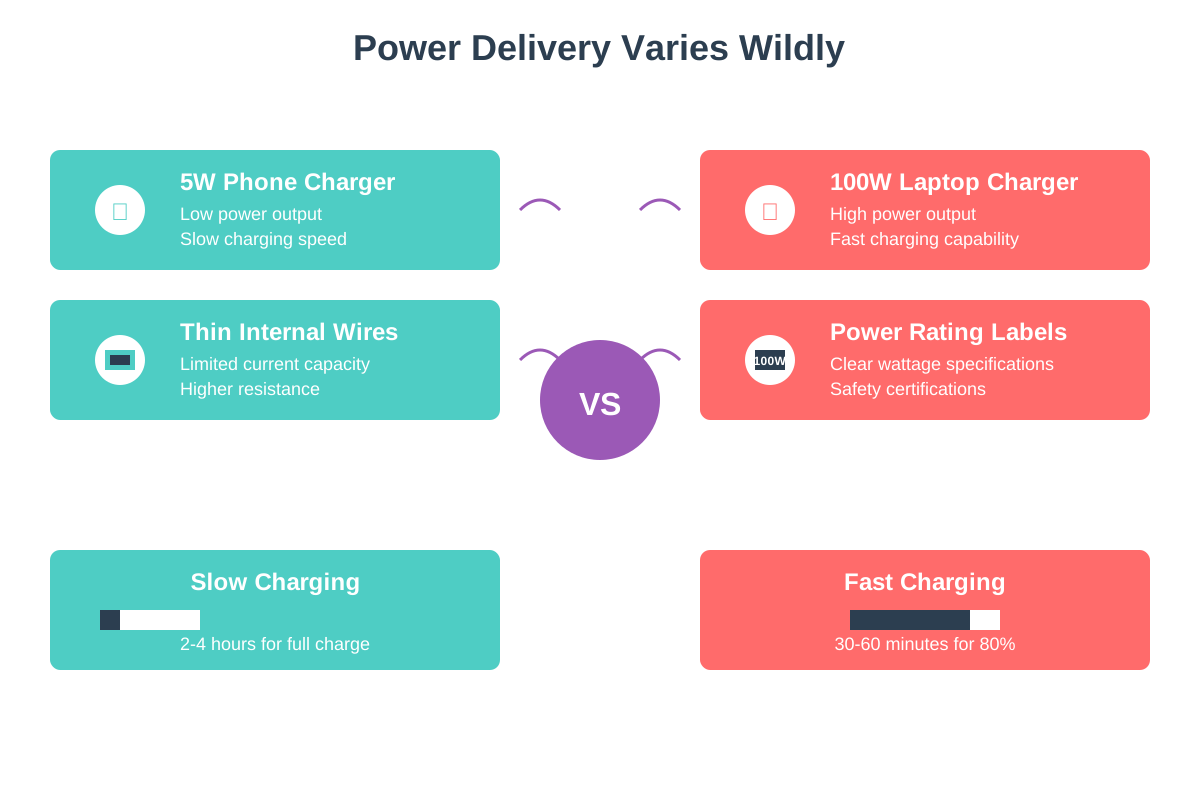
Power Delivery Varies Wildly
Some USB-C cables can charge laptops with 100 watts of power, while others can barely trickle charge a phone with 5 watts. The cable might look identical, but the wires inside are completely different thicknesses. Always check the power rating before buying.
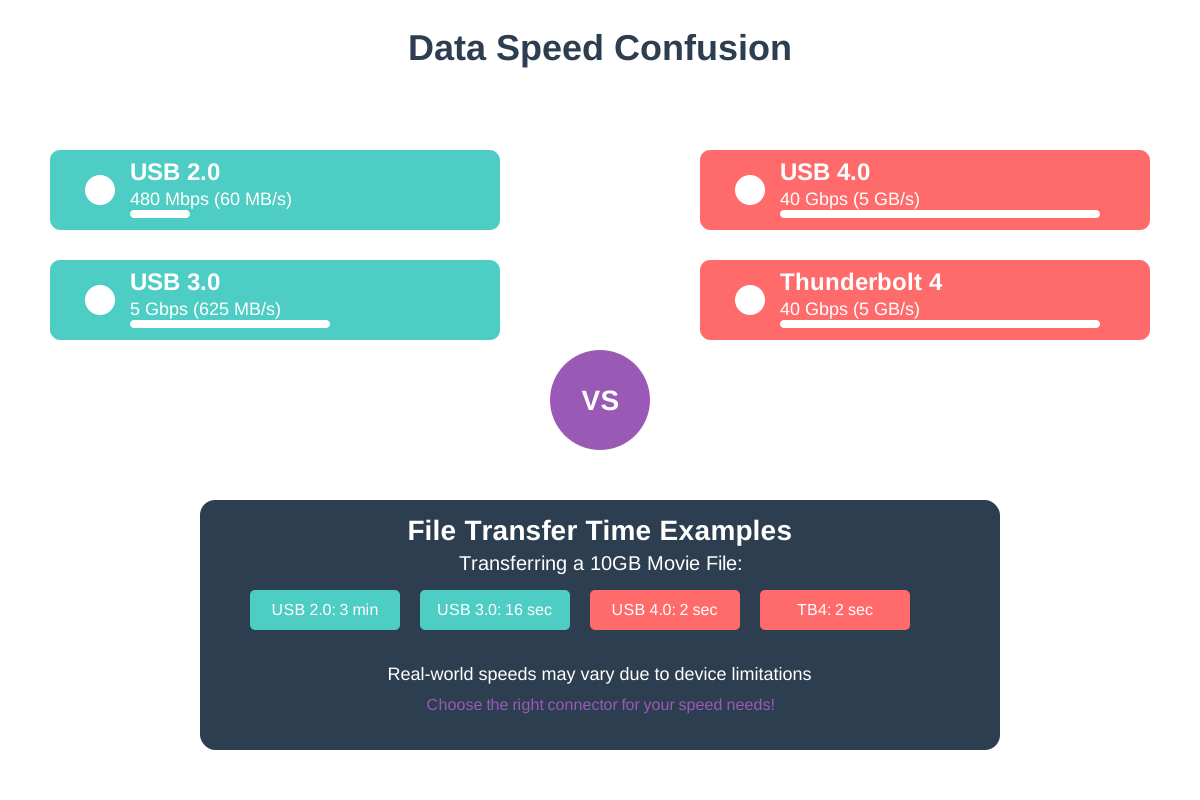
Data Speed Confusion
USB-C cables can transfer data at vastly different speeds - from slow USB 2.0 to lightning-fast Thunderbolt 4. A cheap USB-C cable might take hours to transfer files that a premium cable moves in minutes. The connector looks the same, but the performance is worlds apart.
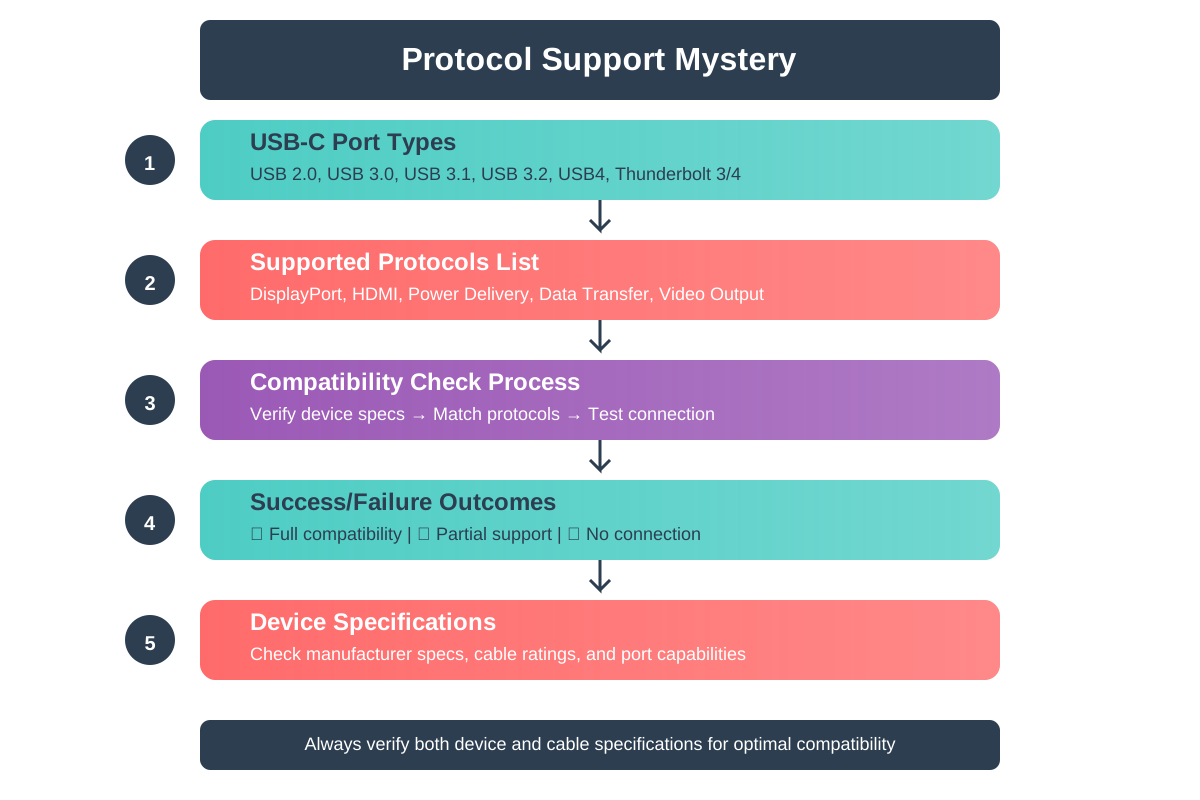
Protocol Support Mystery
Not all USB-C ports support the same protocols like video output, fast charging, or data sync. Your cable might be perfect, but if your device's USB-C port doesn't support what you're trying to do, it simply won't work. It's like having the right key for the wrong lock.
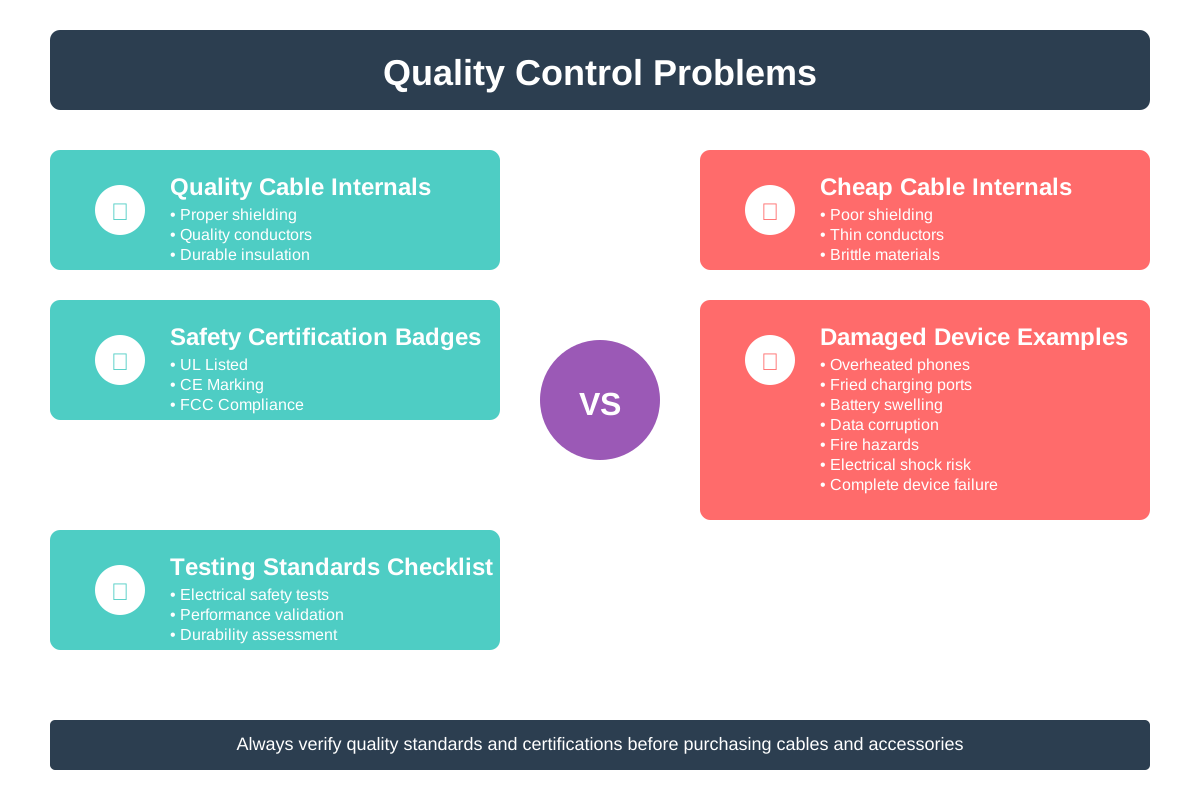
Quality Control Problems
Many cheap USB-C cables are poorly made or don't follow safety standards. They might work initially but fail quickly, or worse, damage your expensive devices. Some cables even lie about their capabilities on the packaging.
How to Choose the Right Cable
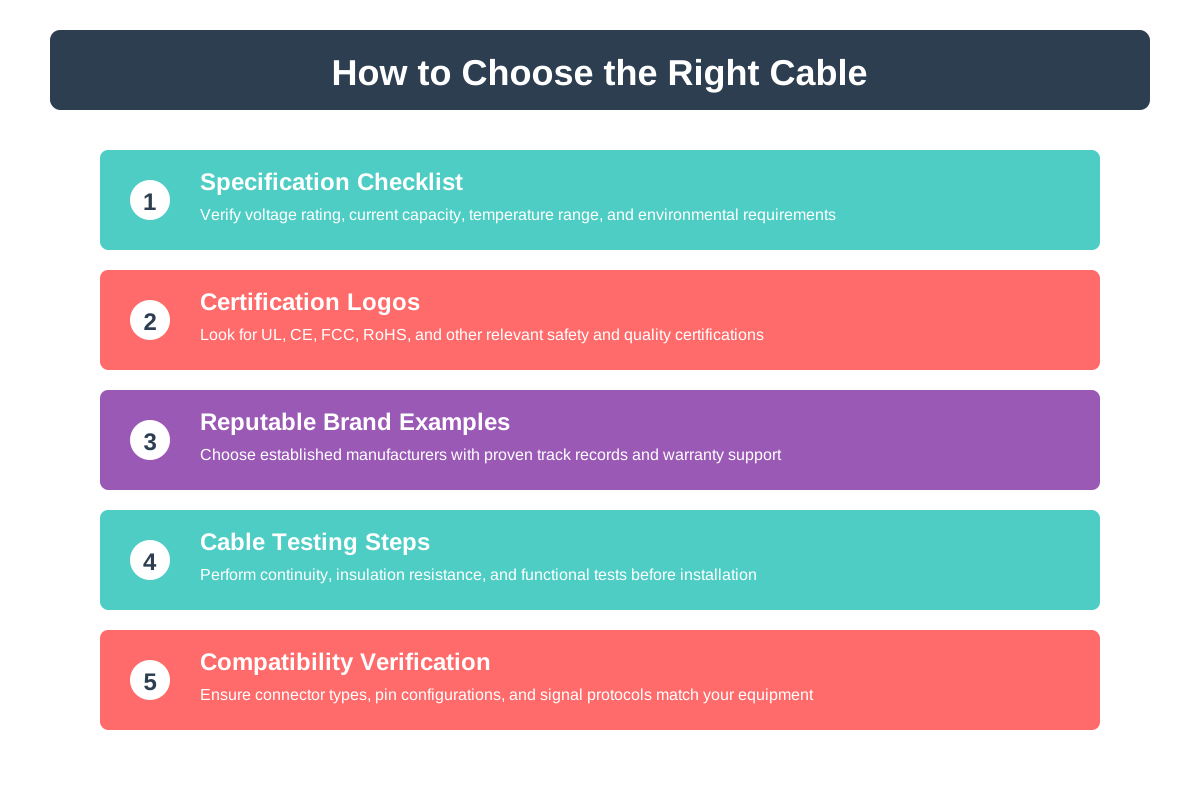
Always buy cables from reputable brands that clearly list their specifications. Check for power ratings, data speeds, and safety certifications. When in doubt, use the cable that came with your device for the most important tasks.
Quick Recap ✨
- USB-C is only the connector shape - cables have vastly different power, speed, and feature capabilities
- Always check power ratings, data speeds, and protocol support before buying any USB-C cable
- Invest in quality cables from reputable brands to avoid device damage and frustrating failures