
Computer Basics Made Simple: Your First Computer Guide
Visual learning made easy - infographics and simple explanations
Ever wondered what makes that magical box on your desk actually work?
A computer is an electronic machine that takes information, processes it, and gives you results back. Understanding the basic parts and how they work together helps you become confident using any computer.
What Is a Computer?
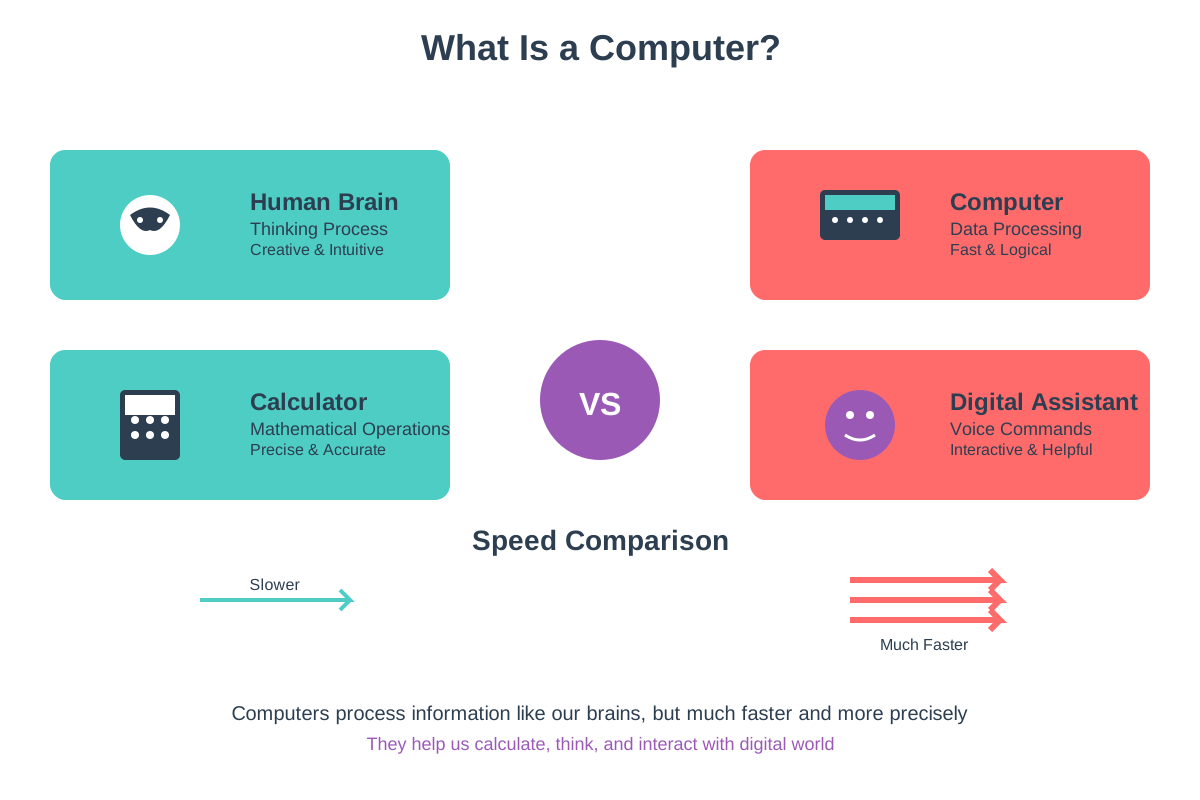
A computer is like a super-fast calculator that can do many different tasks. It follows instructions called programs to help you write documents, play games, browse the internet, and much more. Think of it as your digital assistant that never gets tired.
Essential Computer Parts
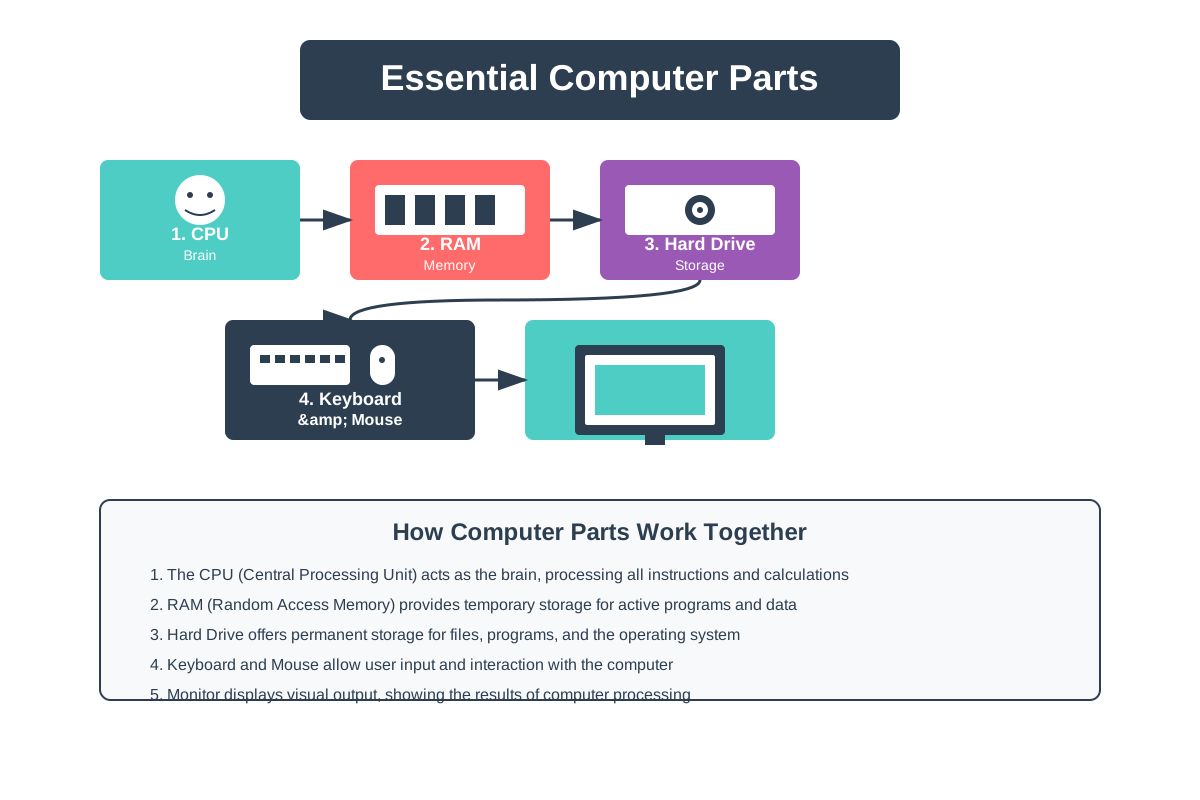
Every computer has four main parts that work together. The CPU is the brain, memory (RAM) is like short-term memory, storage keeps your files safe, and input/output devices let you communicate with the computer. These parts must all work together for your computer to function properly.
How Computers Process Information
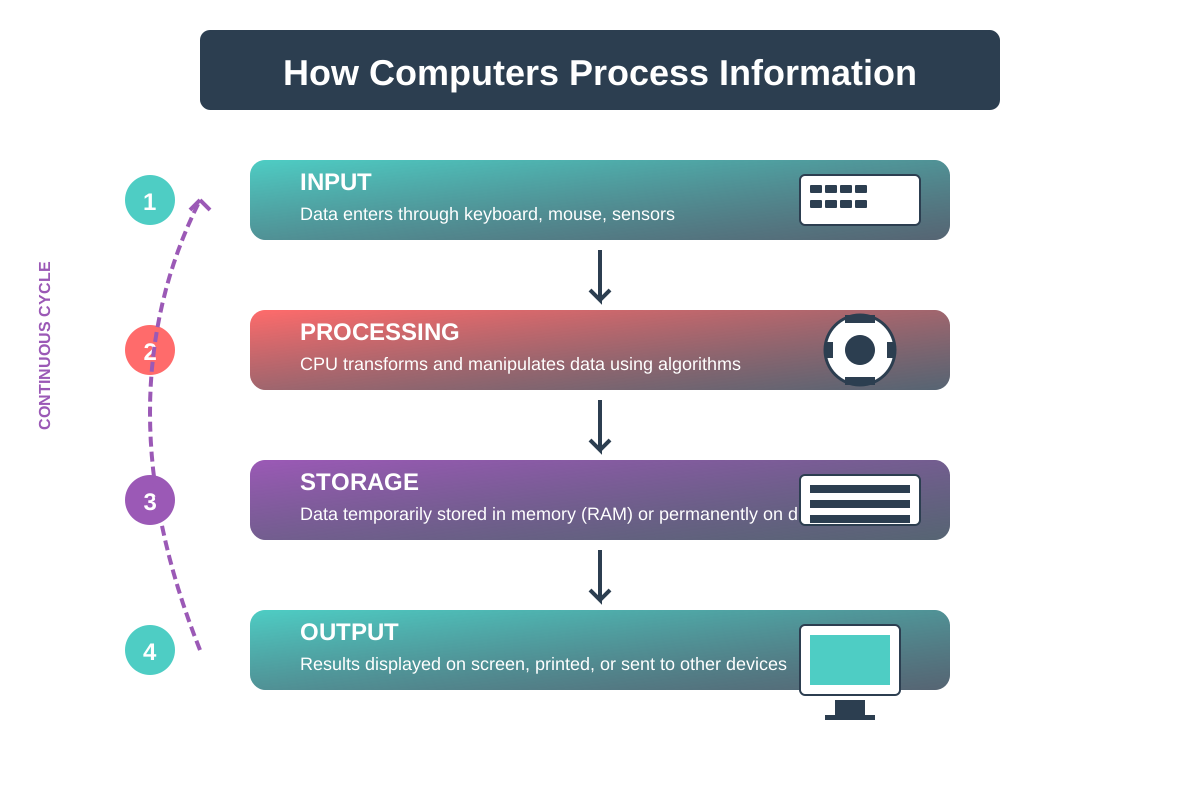
Computers work by following a simple cycle: Input, Process, Output. You give it information through a keyboard or mouse, the CPU processes that information, and then you see the results on your screen. It's like having a conversation where you ask questions and get answers back instantly.
Software vs Hardware
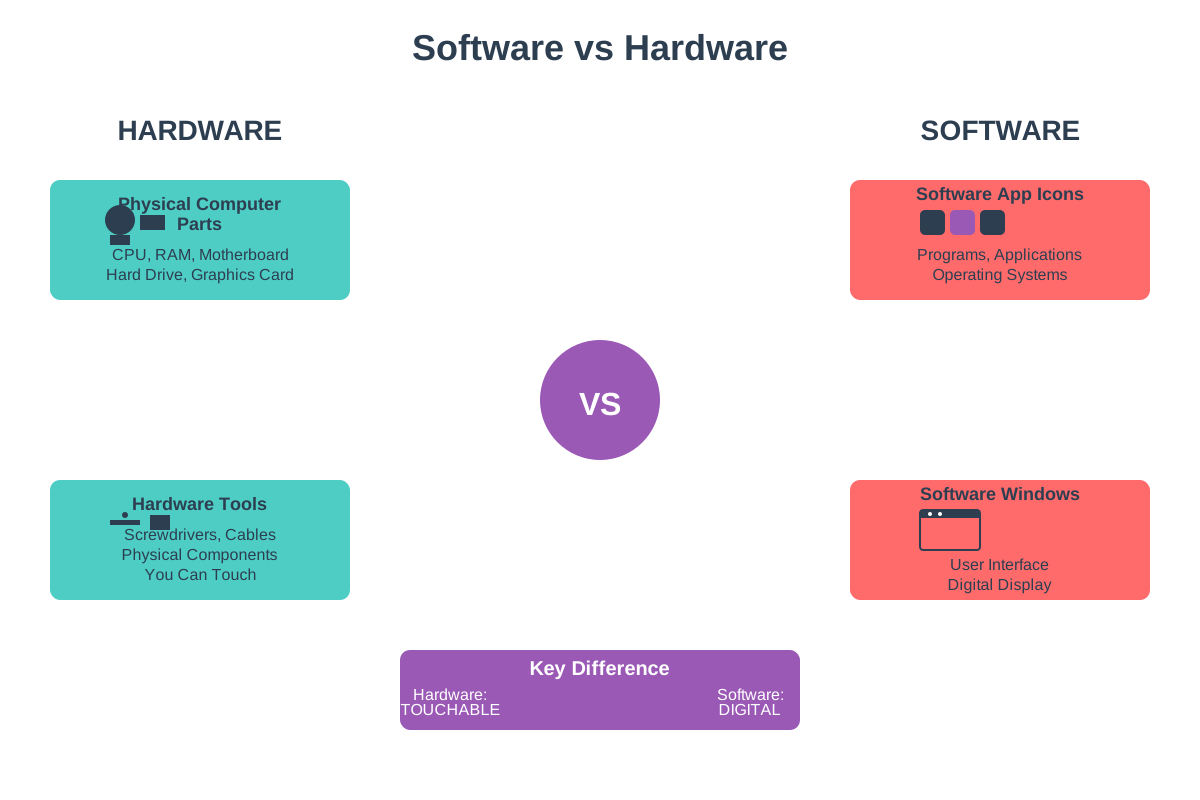
Hardware is anything you can touch on a computer, like the screen, keyboard, or the computer case. Software is the programs and apps that run on the computer, like games, word processors, or your web browser. You need both hardware and software for a computer to be useful.
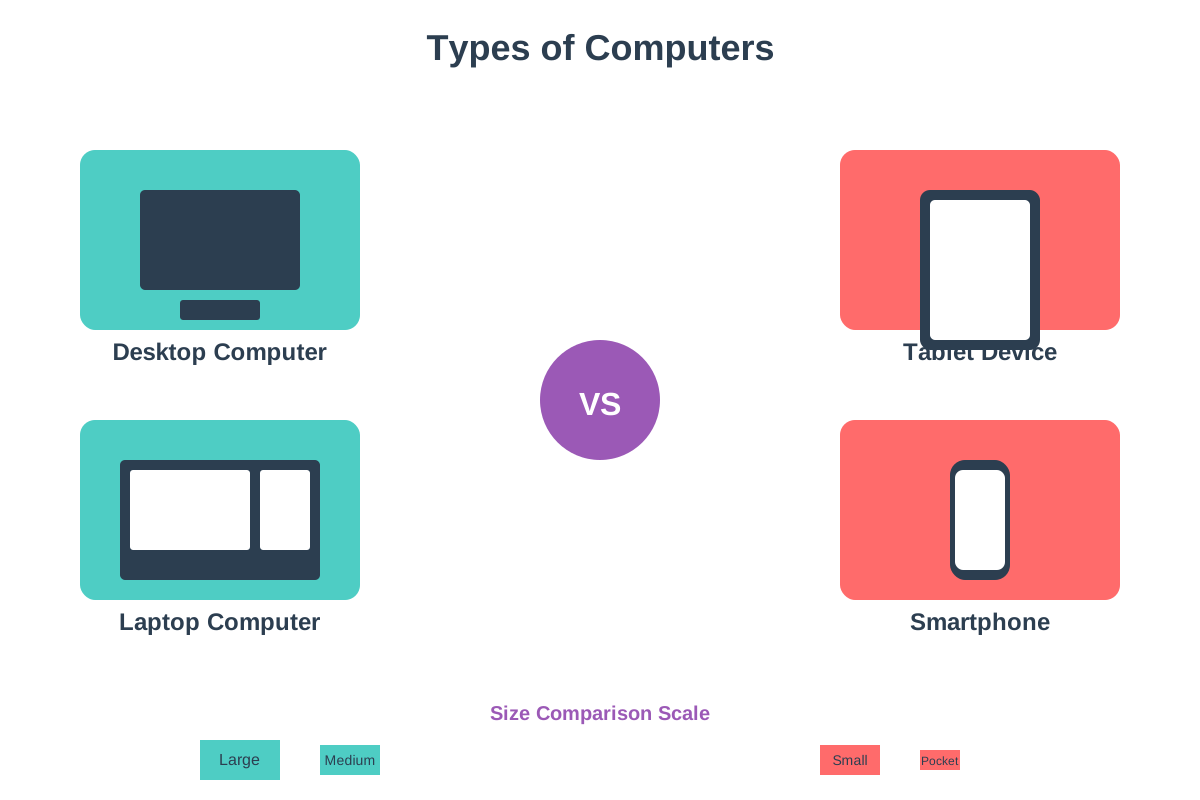
Types of Computers
Computers come in many shapes and sizes for different needs. Desktop computers stay in one place and are powerful, laptops are portable, tablets are touch-friendly, and smartphones are computers you carry in your pocket. Each type is designed for different tasks and lifestyles.
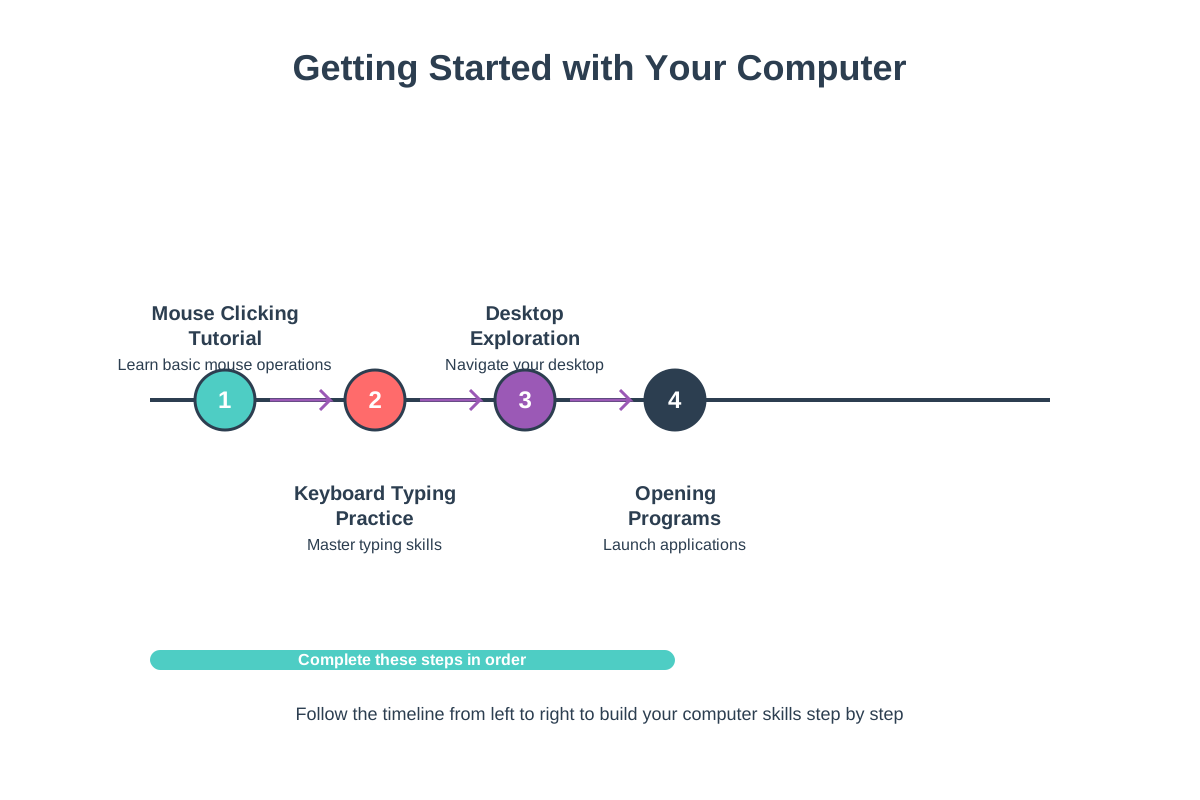
Getting Started with Your Computer
Starting to use a computer is easier than you think. Learn to use the mouse to point and click, practice typing on the keyboard, and explore the desktop where all your programs live. Start with simple tasks like opening programs and creating folders before moving to more complex activities.
Quick Recap ✨
- Computers are electronic machines that process information through input, processing, and output cycles
- Every computer needs both hardware (physical parts) and software (programs) to function properly
- Starting with basic skills like using a mouse and keyboard helps you build confidence with any computer